How to Choose the Right Interactive Screen for Your Needs
Interactive Screens today come with a wide range of functions and prices. Here's how to choose one that fits and matches your actual use.
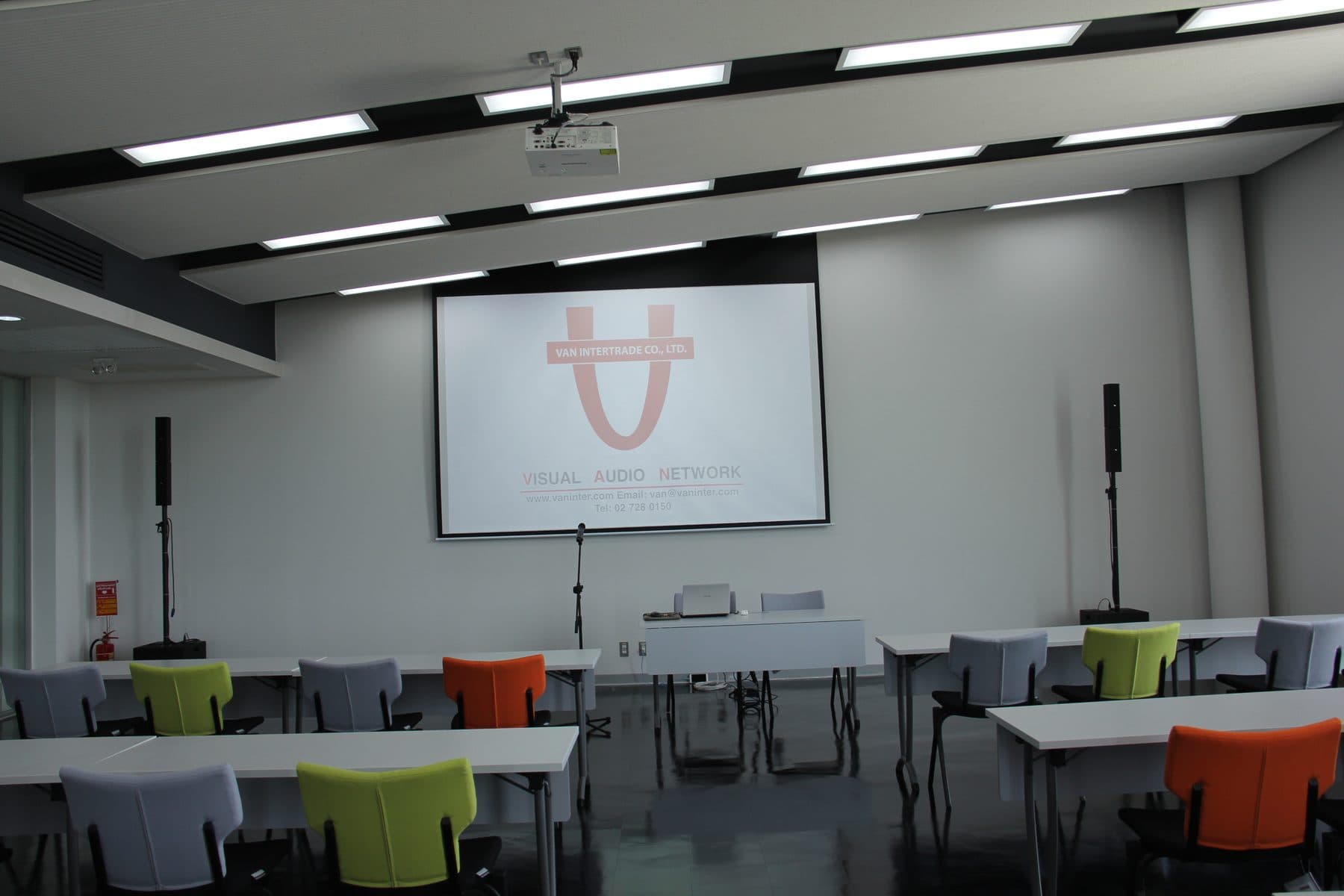
For organizations and departments, there is no denying that using an Interactive Screen is an important way to boost operational efficiency. But Interactive Screens today come with a wide range of functions and prices to choose from, leaving users with the question: "Which Interactive Screen should I choose?" So today we will tell you how to buy an Interactive Screen that fits and matches your actual use.
Consider the primary use
The first thing to consider is how the Interactive Screen will be used — for what purpose. This is often a minor detail that many people don't pay much attention to, but the purpose of use is what determines the type of Interactive Screen. The primary uses that should typically be considered include remote conferencing, writing, drawing, group discussion and teaching, among others.
The size of the room
Before deciding to buy an Interactive Screen, users must be sure how large the installation space is, by first measuring the depth and width of the room where it will be used, because Interactive Screens come in different sizes. If the room is very large, you can go straight for an Interactive Screen with a 55–75 inch screen or larger. But if users decide to buy without first measuring the space, problems may arise where there is not enough room or it is too large to install.
Accessories
Of course, an Interactive Screen comes with various accessories to be used together, and most commonly the following are included: a pen for use with the Interactive Screen; a wall mount for installing the Interactive Screen; a rolling floor stand for adjusting the height to suit the room; and a Wireless USB Dongle, used when a connected device such as a notebook or computer needs to transmit the image wirelessly.
Some accessories also have additional functions — for example, a pen may let you choose color shades or line styles on its own for convenience. Users may therefore need to check whether the accessories used with the Interactive Screen have the functions they need, and also consider how much those included accessories add to the price of the Interactive Screen.
Frequently asked questions
What should you consider first when buying an Interactive Screen?
The purpose of use comes first, because it determines the type of Interactive Screen. The primary uses to consider include remote conferencing, writing, drawing, group discussion, and teaching.
What screen size suits which room?
Measure the depth and width of the room before deciding, because Interactive Screens come in different sizes. A very large room can take a 55–75 inch screen or larger, but buying without measuring first can leave you with too little space or a screen too big to install.
What accessories come with an Interactive Screen?
Most commonly a pen for the screen, a wall mount, a rolling floor stand for adjusting the height to suit the room, and a Wireless USB Dongle for transmitting the image wirelessly from a notebook or computer. Check whether the accessories have the functions you need and how much they add to the screen's price.