Choosing Projectors, Video Walls and Switchers for a Visual System
An effective visual system installation is the key to making communication powerful and successful in meeting rooms, on digital signage, and in control rooms.
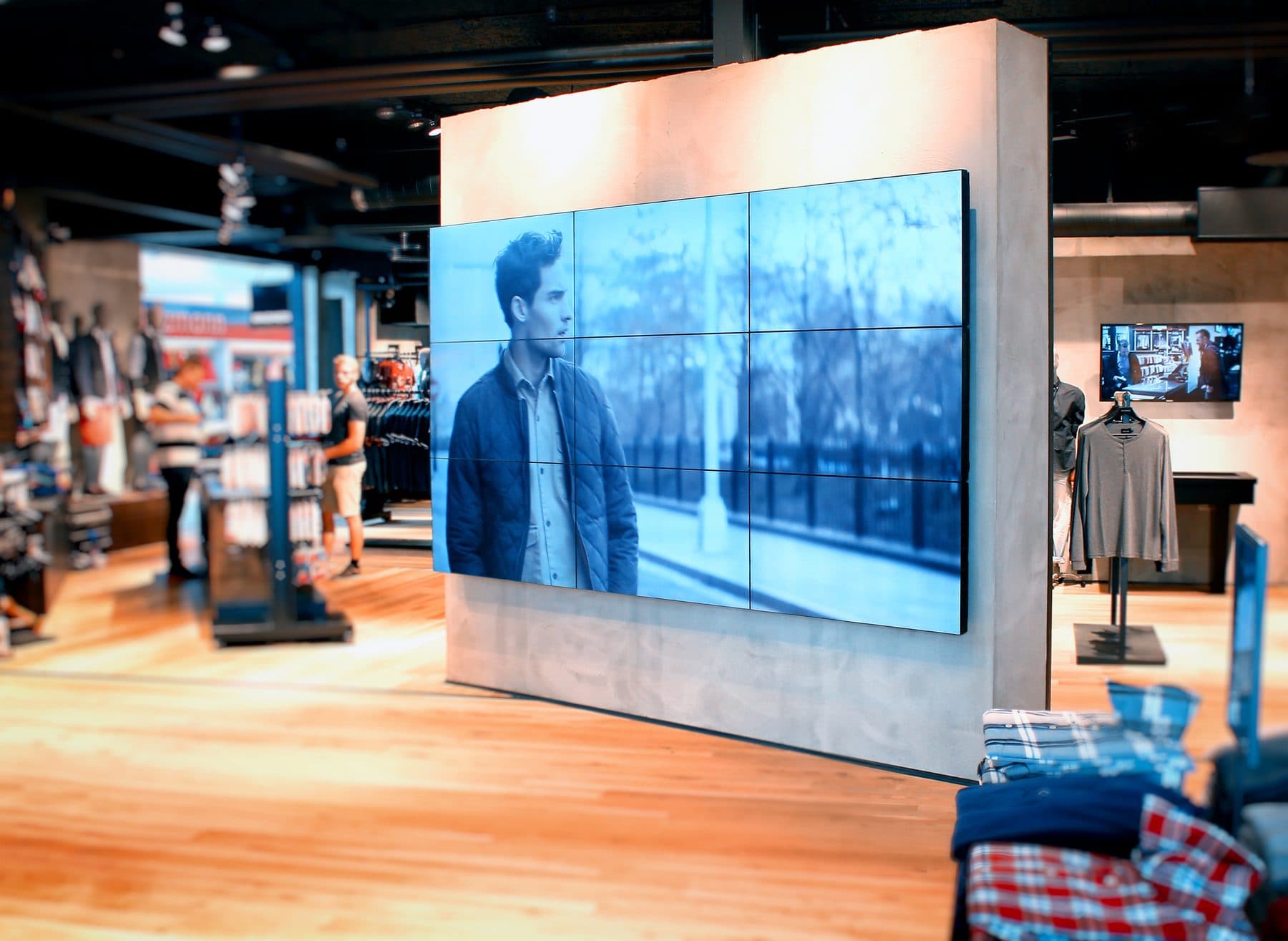
A picture is worth a thousand words, a saying that still holds true in the digital business world. Whether it's a presentation in a meeting room that demands sharpness, eye-catching storefront signage, or a data display in a control room, an effective "visual system installation" is the key to making communication powerful and successful.
The projector: classic and powerful
Projectors remain a popular choice for meeting rooms and classrooms, thanks to their ability to produce large images at an accessible price. The things to consider are the brightness (lumens) to suit the room's lighting conditions, and the resolution for image sharpness.
The video wall: creating a stunning impression
Created by joining multiple screens into a single large display, it is ideal for spaces that need to make a bold, impressive statement, such as hotel lobbies, showrooms, or control rooms that must display multiple pieces of information at once.
The video switcher: the controller behind the scenes
A key device that acts as the hub for selecting and switching video signals from various sources (such as a computer, Blu-ray player, or camera) to send to the display, making presentations smooth and professional.
4 steps to selecting and installing a visual system like a pro
For the best results, the process should begin with:
- Analyzing the requirements and the space, including viewing distance and lighting conditions.
- Designing and choosing the right equipment, determining the installation positions and the type of display.
- Installing with skilled technicians for safety and a clean finish.
- Testing and training the users on how to operate it.
Precautions in visual system installation you shouldn't overlook
Be mindful of ambient light, because sunlight or overly bright lighting is a projector's fiercest enemy; viewing distance, as the size of the screen and text must be large enough for the person seated farthest away to read clearly; and cable quality, as using a low-quality HDMI cable that is too long can degrade the video signal and cause problems.
Frequently asked questions
What should you look at when choosing a projector for a meeting room?
Projectors remain a popular choice for meeting rooms and classrooms because they produce large images at an accessible price. The things to consider are brightness (lumens) to suit the room's lighting conditions and resolution for image sharpness — while being mindful that sunlight or overly bright lighting is a projector's fiercest enemy.
What kinds of spaces suit a video wall?
A video wall is created by joining multiple screens into a single large display. It is ideal for spaces that need to make a bold, impressive statement, such as hotel lobbies, showrooms, or control rooms that must display multiple pieces of information at once.
What are the steps in a visual system installation?
There are four steps: 1. Analyze the requirements and the space, including viewing distance and lighting conditions. 2. Design and choose the right equipment, determining the installation positions and the type of display. 3. Install with skilled technicians for safety and a clean finish. 4. Test and train the users. Along the way, make sure the screen is large enough for the person seated farthest away to read clearly, and avoid low-quality HDMI cables that are too long, which can degrade the signal.